Free crosshair overlay for Windows
A crosshair you can actually see.
Design your own crosshair and DOT Crosshair places it over any PC title. The tool operates inside a transparent window, allowing your mouse clicks to bypass it entirely while leaving the game itself completely untouched.
Windows 10 and 11 · No ads · No account · Signed by Mako Logics LLC
Why it exists
Started with a dot nobody could recolor
Call of Duty MW4 uses a single-color dot that often disappears into the background. The game offers no way to change this. DOT Crosshair was built to solve that issue by placing a bright dot in your preferred color over the screen. The tool expanded into a utility that handles almost any PC game, whether it runs in Windowed mode or Fullscreen Borderless.
- Dot
- Cross
- Cross + dot
- T shape
- Circle
- Circle + dot
Accessibility
A crosshair for every kind of eyesight
Think of a crosshair overlay as an accessibility feature, too. For players with low vision or unique color perception, the default reticle in a game can be difficult to spot. DOT Crosshair allows you to replace it with an option that is easy for your eyes to track.
Low vision
Size and weight are key for those with low vision. A dot can be at most 60 pixels wide, while lines reach up to 16 pixels in thickness. You can also have a circle that extends up to 100 pixels from its center. Adding a black or white outline ensures crisp edges against cluttered backgrounds.
Color blindness
About 1 in 12 men, or roughly 8%, and 1 in 200 women experience red-green color blindness. For these users, a red or green crosshair can blend completely into the background. Choose a color that stands out clearly to you. Add a black or white border around it so the crosshair remains visible no matter what is behind it.
Thin or locked crosshairs
DOT Crosshair places a custom reticle directly on top of the game interface. This helps if your current title limits you to a thin line that is only a pixel or two wide, or traps you in a single fixed color with no options to modify it. You get away from the limitations of the crosshair the game chose for you by stacking a new one over it.
 Actual size
 Actual size
What it does
Small app, every setting you need
Six shapes, tuned to the pixel
Pick from Dot, Cross, Cross with a center dot, T-shape, Circle or Circle with a center dot. You can pick any hue you prefer. Also adjust size, line length, thickness, gap, black or white outline and opacity so the marker shows up clearly on all maps.
A setup for every game
Tie a specific crosshair configuration to an executable name like cod.exe, and DOT Crosshair handles the switch on its own whenever that game comes to the front. You can keep a small white dot ready for one shooter while setting up a large cyan circle for another, with both options coexisting in the app.
Gone when you alt-tab
Enable Only show while my game is in front to hide the crosshair whenever you switch to your desktop, a browser, or Discord. It reappears immediately as soon as your game is back in front.
Hide while aiming, if you want
If you prefer a clean view when aiming through your scope, there is an option for that. Enable the setting and hold down right-click to make the crosshair disappear. Release the button and it reappears immediately. The feature is disabled by default, so the crosshair will only hide if you actively switch it on.
Tray icon and shortcuts
Tap the icon in your system tray to switch the crosshair visibility, or right-click it to adjust colors, change sizes, and exit. You are free to map custom keys as well. Try setting F9 to launch the settings window, or use Ctrl+Alt+D to flip the crosshair on and off.
Any monitor, nudged to the pixel
Select the display where you want the crosshair placed. If a game's true center is a bit off, fine-tune its position by single pixels. The software can begin running with Windows to ensure it is active before you start any applications.
Free and signed
The app contains no advertisements, requires no user account, and gathers zero data. It operates on Windows 10 and Windows 11, with every copy signed by Mako Logics LLC.
One requirement
Your game must run in either Fullscreen Borderless or Windowed mode. Exclusive fullscreen commandeers the entire display, which prevents any overlay from appearing on top of it.
Examples
Every shape, a few colors, real scenes
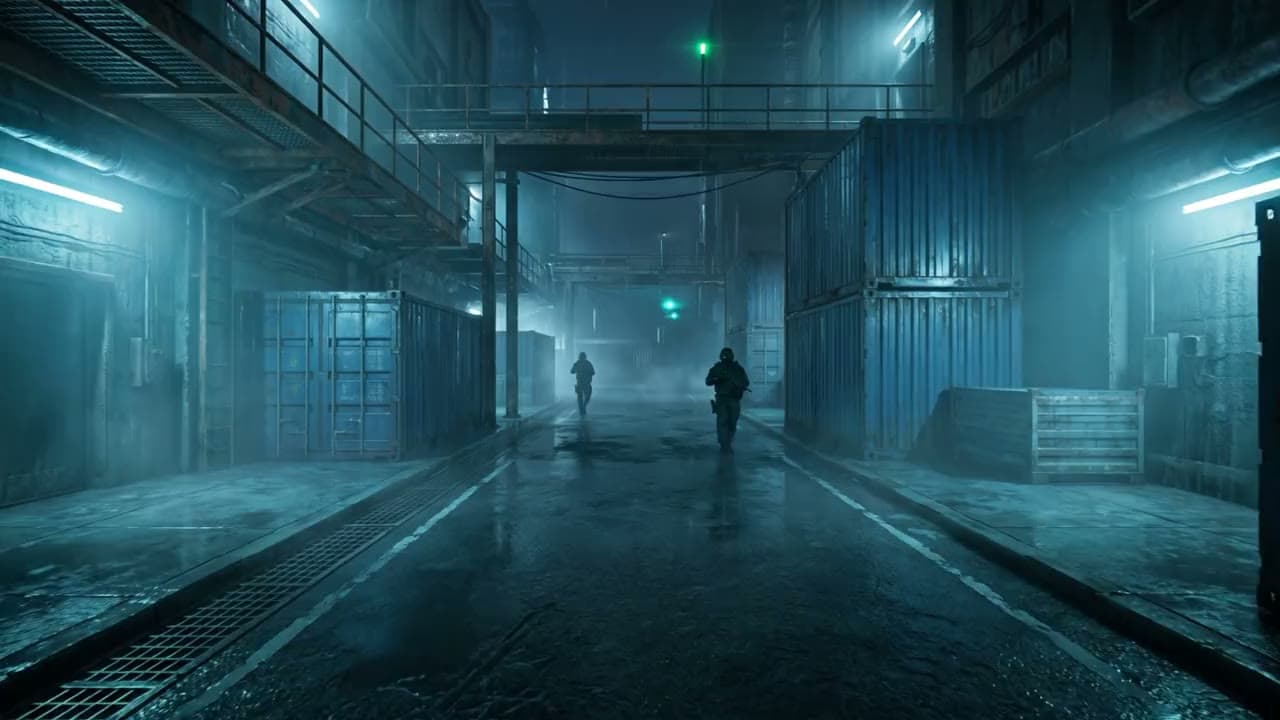
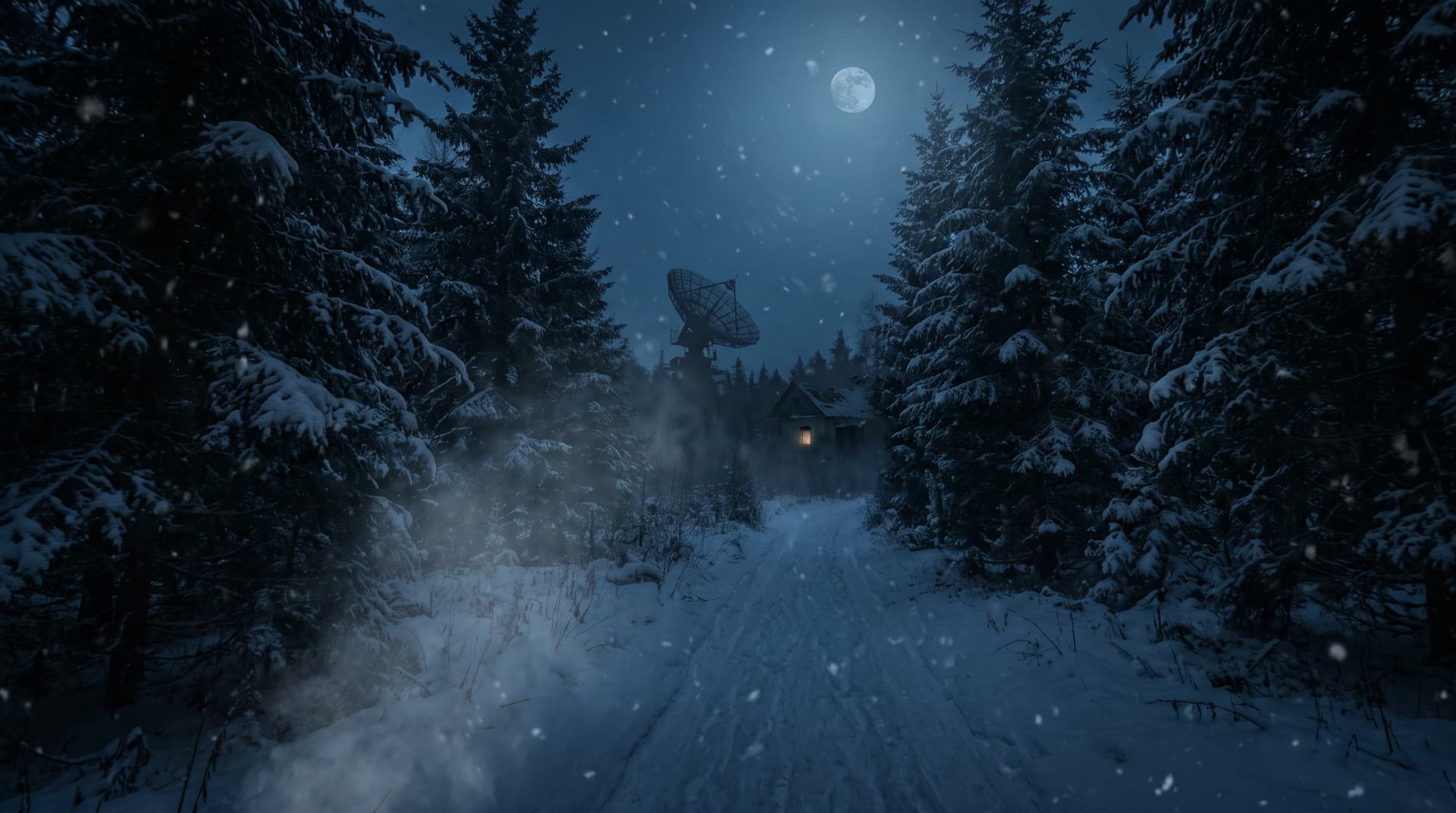
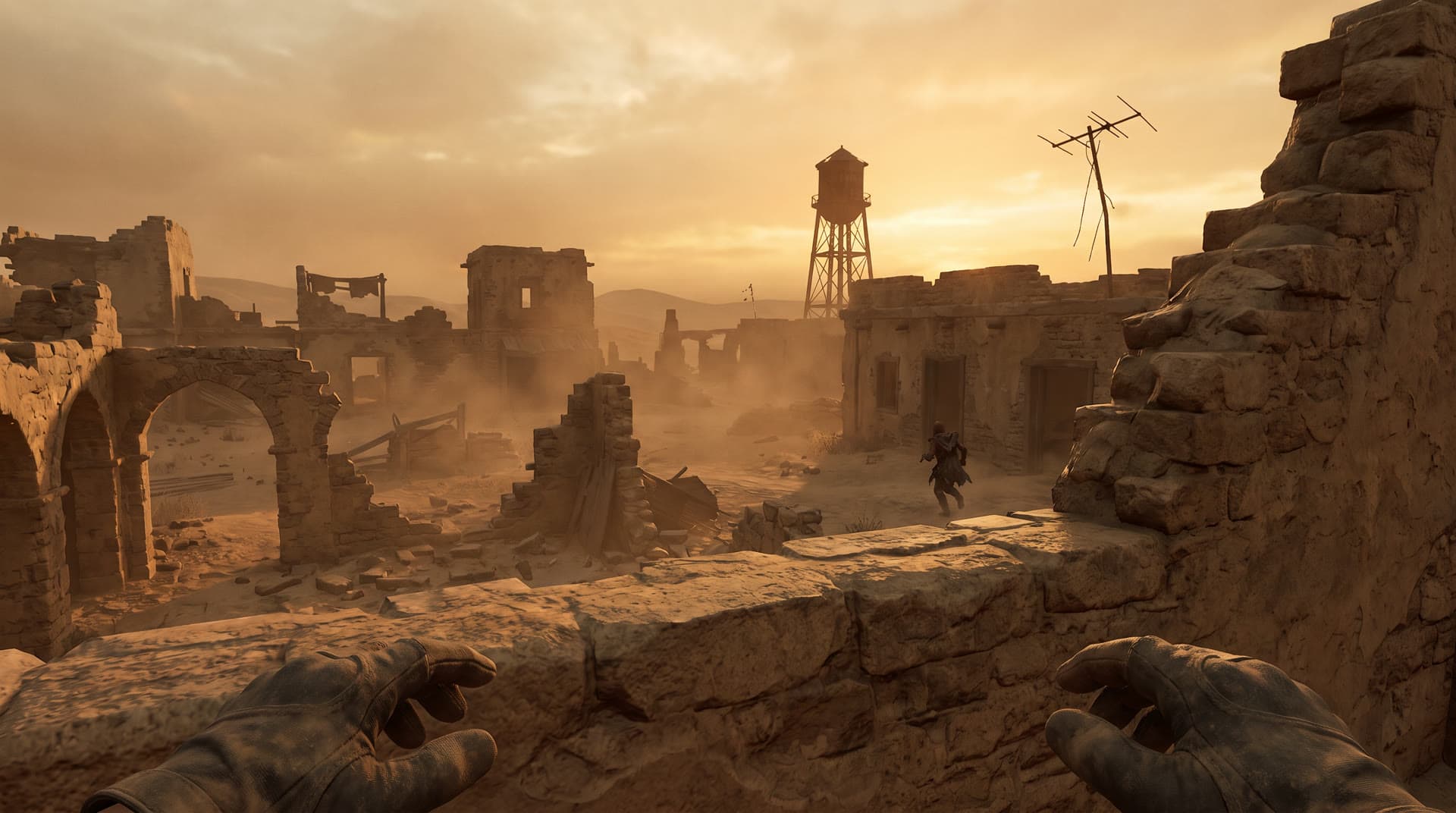
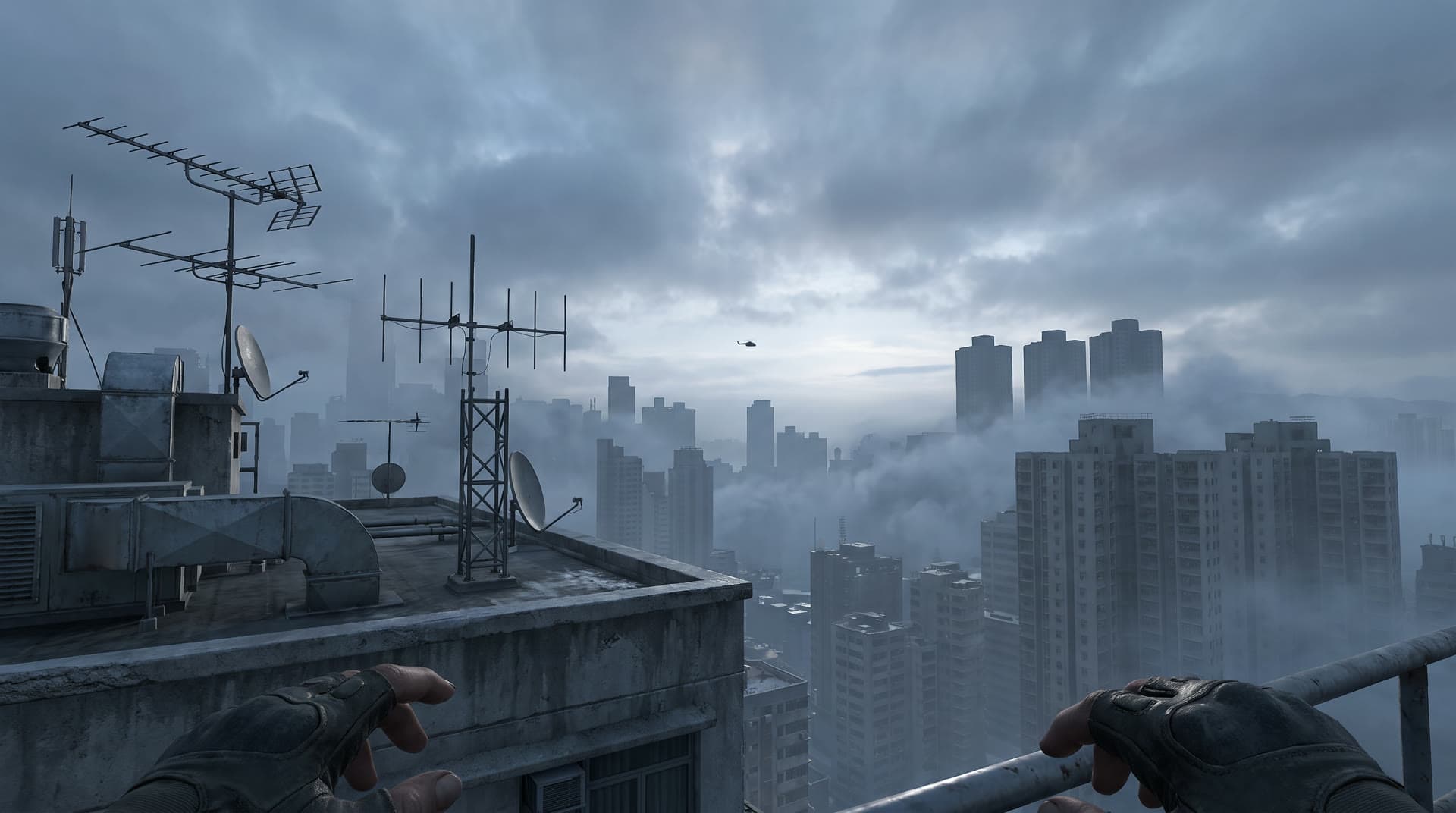
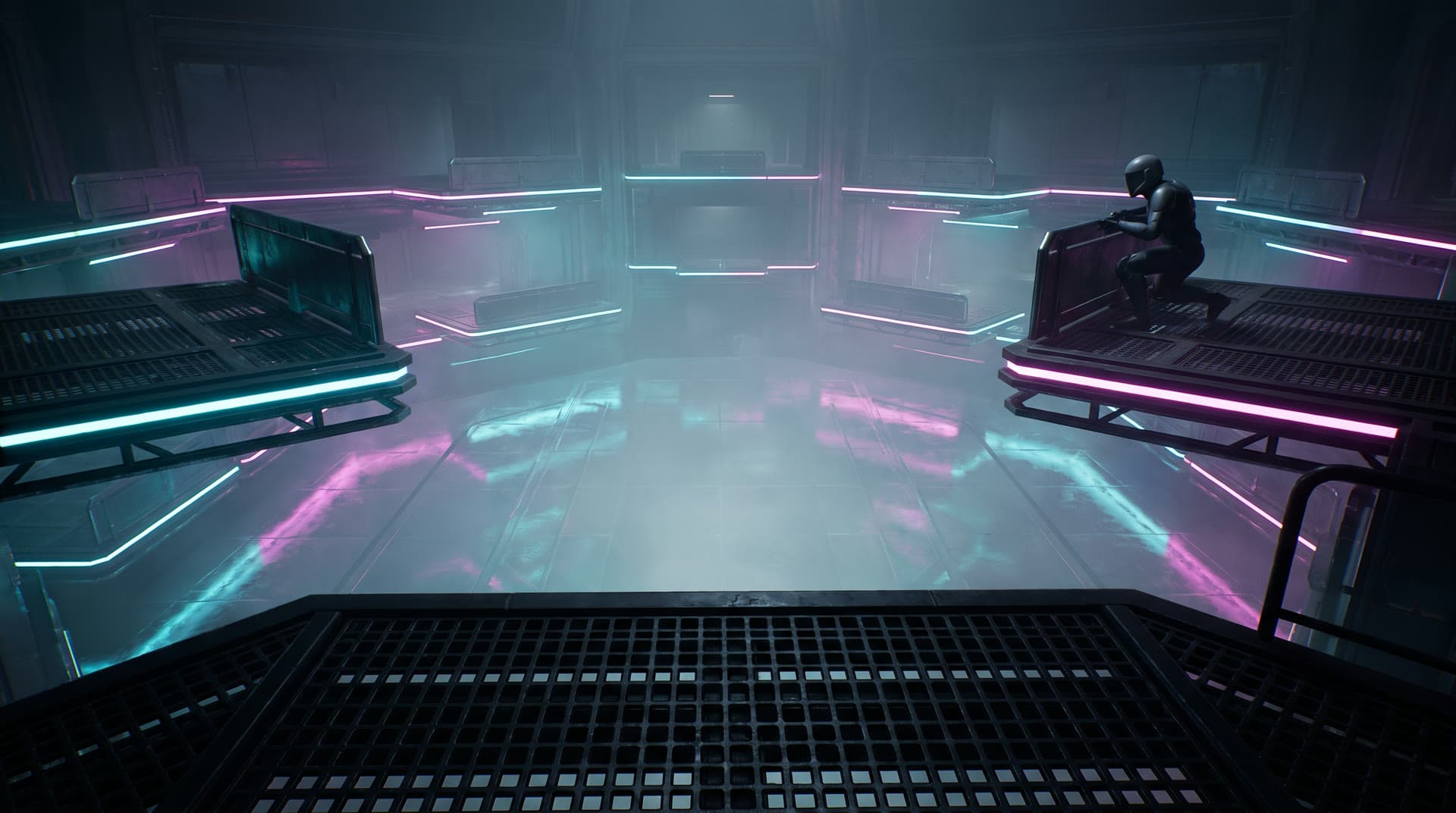
The crosshairs you see here are rendered directly in your browser, matching the app’s exact shapes and configurations. To help you gauge visibility across sand, snow, concrete, and neon backgrounds, each design appears in multiple colors against varied scenes.
- Enlarged 3x for detail
Dot
Green- Cyan
- Pink
- White
- Enlarged 3x for detail
Cross
Yellow- Red
- Green
- Orange
 Enlarged 3x for detail
Cross + dot
Cyan- Green
- White
- Pink
 Enlarged 3x for detail
T shape
Red- Yellow
- Green
- Cyan
 Enlarged 3x for detail
Circle
Yellow- Green
- White
- Orange
 Enlarged 3x for detail
Circle + dot
Pink- Green
- Cyan
- Yellow
Crosshair builder
Build yours right here
Test out a crosshair right here before you download the app. The controls align with the settings window, so any pixel values you set are identical to those in the application. Once you settle on a design, just enter those numbers into DOT Crosshair and you will get the same result.
Your browser zoom and the Windows display scaling may cause this preview to appear a bit bigger or smaller than the crosshair's actual size in game.
Zoomed 2xYour settings
- Shape: Dot
- Color: Green
- Dot size: 6 px
- Outline: 1 px, Black
- Opacity: 100%
Will I get banned?
How it stays out of the game's way
The software renders its crosshair within a small, dedicated overlay. This layer is transparent and remains positioned above all other windows while allowing mouse input to pass directly through to the applications below. Consequently, your game functions precisely as it would if the tool were not installed.
- No code injected into the game
- Never reads game memory
- Never reads or captures your screen
- No keyboard hooks
- Shortcuts use Windows' own RegisterHotKey
- Never opens the game's process
The honest part
Here is the straight truth: you cannot guarantee any third-party tool will never trigger a ban. Anti-cheat policies are controlled by individual game publishers who decide when and how to update them. We built DOT Crosshair as the lowest-risk kind of overlay from the ground up. It provides no features that go beyond what many games permit in their built-in crosshair menus. If a game's rules prohibit overlays, respect those rules.
How it draws
Compatibility
Works with your games
DOT Crosshair can render on top of games running in Fullscreen Borderless or windowed mode on Windows. The list below highlights some of the games designed to work with it.
- Call of Duty (MW4, Warzone, Black Ops)
- Apex Legends
- Fortnite
- Battlefield
- PUBG: Battlegrounds
- Rust
- DayZ
- Escape from Tarkov
- Destiny 2
- Halo Infinite
- Overwatch 2
- Marvel Rivals
- The Finals
- Hunt: Showdown
- Minecraft
All game names are trademarks of their respective owners. DOT Crosshair is not affiliated with or endorsed by any game publisher.
FAQ
Questions people ask
Will I get banned for using DOT Crosshair?
No one can guarantee safety with third-party software, including us, since publishers dictate their own anti-cheat rules. DOT Crosshair is built to minimize risk as an overlay. The tool injects no code. It does not read game memory or your screen. Keyboard hooks are absent, and the tool never opens the game's process. Its only function is drawing an image inside a transparent window itself. Verify the rules for every game you play, particularly for ranked or tournament competitions.
Why can't I see the crosshair in my game?
The odds are extremely high that exclusive fullscreen is the culprit. Switch your display mode to Fullscreen Borderless, also known by some as Borderless Windowed, or pick Windowed. The crosshair will appear on top once you make that change.
Is DOT Crosshair really free?
Absolutely. You get the full experience without paying a dime, and you won’t see any ads either. You don’t need to make an account to use it. On top of that, the app gathers no data at all.
Does it give me an unfair advantage?
Think of it as comparable to what you'd find in other titles' built-in crosshair tools. We just place a marker at the center of your view and that is all it does. There is no auto-aim involved, no tracking occurs at all, and the feature remains completely unaware of any events taking place inside the game.
Can DOT Crosshair help if I am color-blind or have low vision?
In many cases, the answer is yes. If you have low vision, you can adjust the crosshair to be much bigger and bolder. This includes using a 60 pixel dot or lines that are 16 pixels thick. Those who are color-blind can choose a color they see clearly and add a black or white outline to it. A quick color guide for each type of color vision is available on our accessibility page.
Which games does it work with?
Works with any title that runs in Fullscreen Borderless or Windowed mode on Windows 10 or Windows 11. Note two important exceptions. Certain games employ strict kernel-level anti-cheat that blocks overlays of any kind, and many tournament rulebooks enforce the same restriction. Always review your specific game rules prior to using an overlay.
Can I use a different crosshair for each game?
It works automatically. You create a setup and assign it to the game's program name, like cod.exe. Then DOT Crosshair will jump to that setup on its own whenever the game is in the foreground.
Will the crosshair get in the way on my desktop?
Enable the Only show while my game is in front setting. The crosshair vanishes whenever you switch to your desktop or use a different app. You can also toggle this feature via a keyboard shortcut or the tray icon.
Does it work with more than one monitor?
It definitely works. Select the specific display where your game is open from the settings menu, and the crosshair will shift to that screen. If it ends up a pixel or two off center, just adjust it until it's back into place.
Where can I download it?
Get it free from either of two sources. You can grab the app through the Microsoft Store by hitting the Microsoft button, or you can use the Download for Windows link right here on this page to get the signed installer directly from Mako Logics LLC. Whichever option you pick, you will receive the identical app that handles its own updates automatically.
Get DOT Crosshair
DOT Crosshair costs nothing and reaches you through two channels. You can grab it via the Microsoft Store, or pick up the signed installer directly from Mako Logics LLC on this page. The software runs on Windows 10 and Windows 11, and it handles its own updates.